
Scope tied to the scenario
Define the exercise around the systems, servers, and external parties that matter to the incident.
Define scope, sequence injects, align responders, and run a guided simulation with decisions, follow-ups, and review captured in the same Resilience workflow.
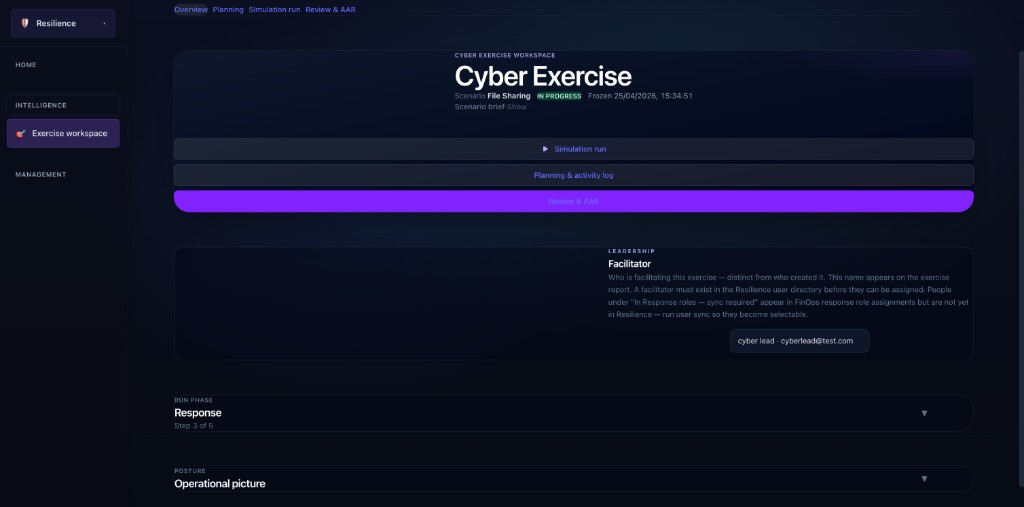
Start with structure. Define the exercise, set the scope, and build the scenario as an ordered sequence of injects. Facilitators can shape the flow before the room starts, with the context and sequencing needed to run the exercise deliberately.
Exercise workspace: overview, phases, and facilitator
Team reaction: decisions and follow-ups
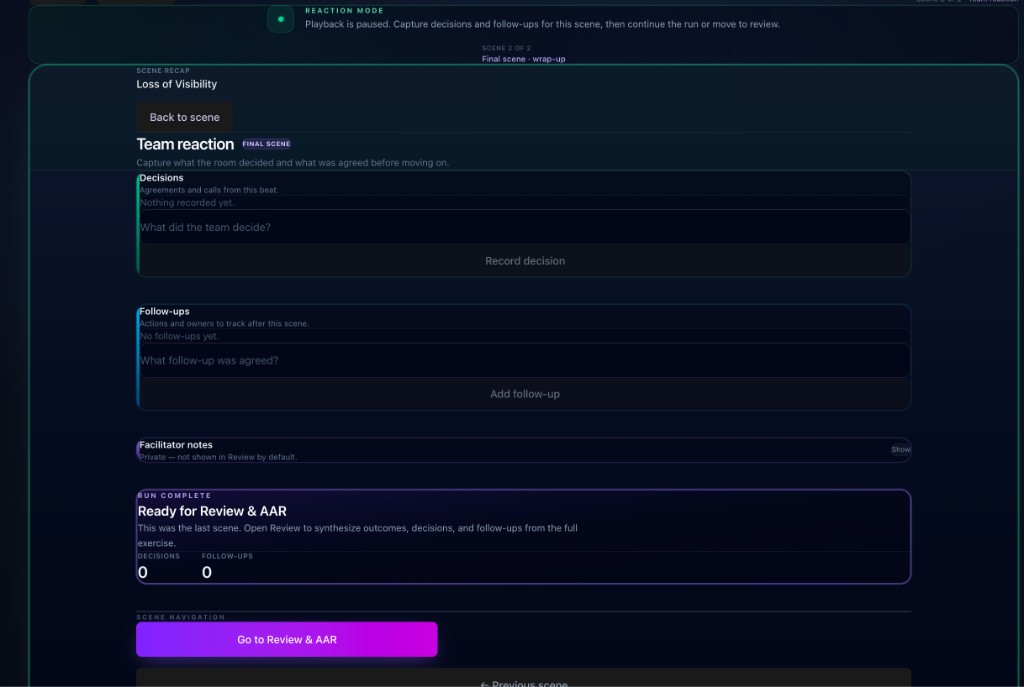
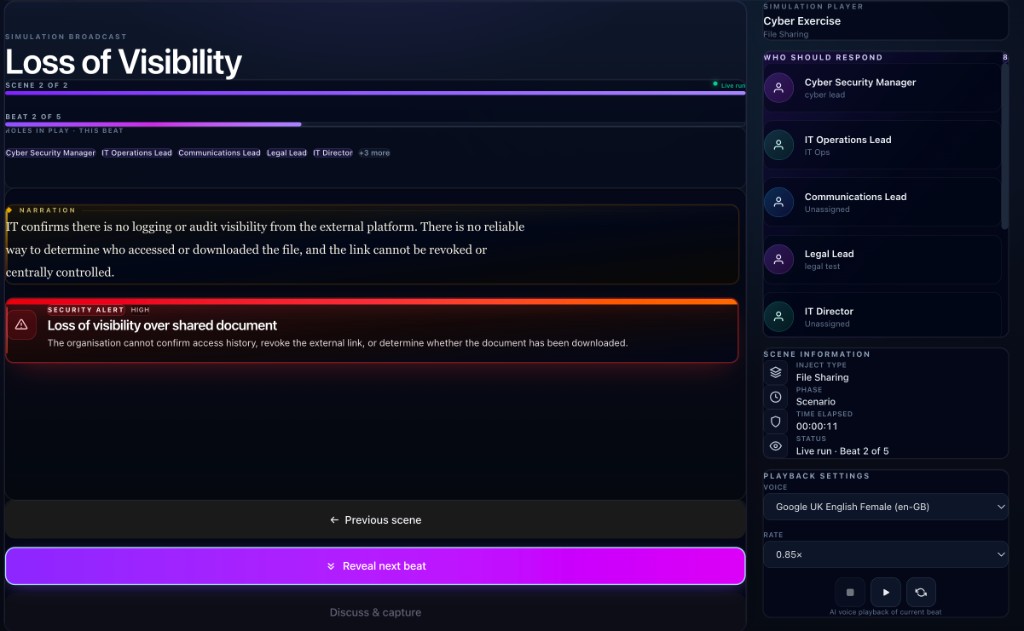
Guide the room through the scenario in a structured run. As the exercise unfolds, capture decisions and follow-ups directly against the exercise so outcomes stay connected to the scenario instead of disappearing into meeting notes.
A structured workflow for planning, running, reviewing, and reporting on cyber exercises inside Resilience.
Define the exercise around the systems, servers, and external parties that matter to the incident.
Author the scenario as a structured series of injects instead of a loose workshop document.
Use your response roster and expected responders to clarify who each scene is expected to draw in.
Advance through the exercise in a guided run view that keeps the team focused on the current scene.
Record decisions and actions in the same workflow, so important outcomes do not disappear into meeting notes.
Close out the exercise with AAR inputs and a structured report that can be printed or saved as PDF.
One workflow from preparation through close-out, with the scenario, the room, and the outcomes kept together.
Set the title, scenario type, facilitator, and scope across systems, servers, and external parties.
Author injects, sequence the exercise, and add facilitator notes and responder expectations.
Set the roles involved in the exercise and clarify who each scene is expected to draw in.
Move through injects and phases in a facilitator-led run, capturing decisions and follow-ups as the exercise unfolds.
Capture lessons learned, complete the exercise, and generate a structured report for stakeholders.
Book a walkthrough to see planning, run, review, and export in one flow.